May 25th, 2026
New

We're excited to introduce Quick Snap in ccLeaf Editor - a new high-speed preview system built to make customizing motion graphics dramatically faster and clearer.
Quick Snap allows you to instantly render a single HD frame from any point in your animation timeline without rendering the full animation preview.
Traditional animation previews can take unnecessary time when you only need to inspect a small change. Quick Snap solves this by generating a fast high-quality frame preview exactly where you need it.
This makes it significantly easier to:
Check text changes
Preview custom fonts
Inspect colors and gradients
Verify media positioning
Review layout adjustments
Catch mistakes before exporting

Quick Snap dramatically reduces preview waiting times by rendering only the selected frame instead of the full animation.
Quick Snap previews render in full 1920×1080 HD quality with a watermark, making previews much sharper and easier to inspect compared to standard low-quality previews.
Final exports remain watermark-free.
Because previews render in high quality, text is significantly easier to read and inspect — especially useful for detailed typography and upcoming custom font support.
Quick Snap also includes zoom and navigation controls, allowing you to zoom in using your scroll wheel and move around the preview to inspect small details more accurately.
This makes it easier to review:
Small text
Fine spacing adjustments
Media edges and alignment
Sharpness and quality
Detailed design elements
Using Quick Snap is simple:
Navigate to any point in the animation timeline
Select Quick Snap
Instantly generate a high-quality frame preview
No full render required.
Quick Snap was designed to improve iteration speed and reduce unnecessary waiting while customizing animations inside ccLeaf Editor.
Whether you're adjusting text, repositioning media, or refining small visual details, Quick Snap helps make the editing process faster, cleaner, and more efficient.
We value your feedback—share your suggestions at ccLeaf Feedback. Stay tuned for more updates and announcements here.
May 11th, 2026
New

We are thrilled to introduce the latest QOL update to ccLeaf, version 4.1, bringing new features and improvements that enhance the user experience.
Video Upload Capability:
You can now upload videos directly to Media/Image elements, enabling dynamic animations.
Includes tools for trimming and looping video elements effectively.
New Position & Rotation Controls:
Enhanced value controls and dropdowns provide intuitive adjustments for animation designs.
Rebuilt Platform:
A complete redevelopment to create a more stable and scalable app architecture.
Improved long-term performance and seamless integration support.
Rendering Enhancements:
A faster rendering process, improved by approximately 30% on average.
Advanced queue system for reliable operations during peak usage.
Error Reduction: Less frequent server shutdowns and higher operational uptime.
Tracking System: More robust tools for identifying and addressing user issues.
We value your feedback—share your suggestions at ccLeaf Feedback. Stay tuned for more updates and announcements here.
February 9th, 2026
New

Faster. Cleaner. Built to scale. ccLeaf v4 is a complete rebuild — designed for speed, precision, and high-performance workflows. ccLeaf is a web-based motion graphic editor built for creators who want professional motion graphics without the complexity of traditional tools.
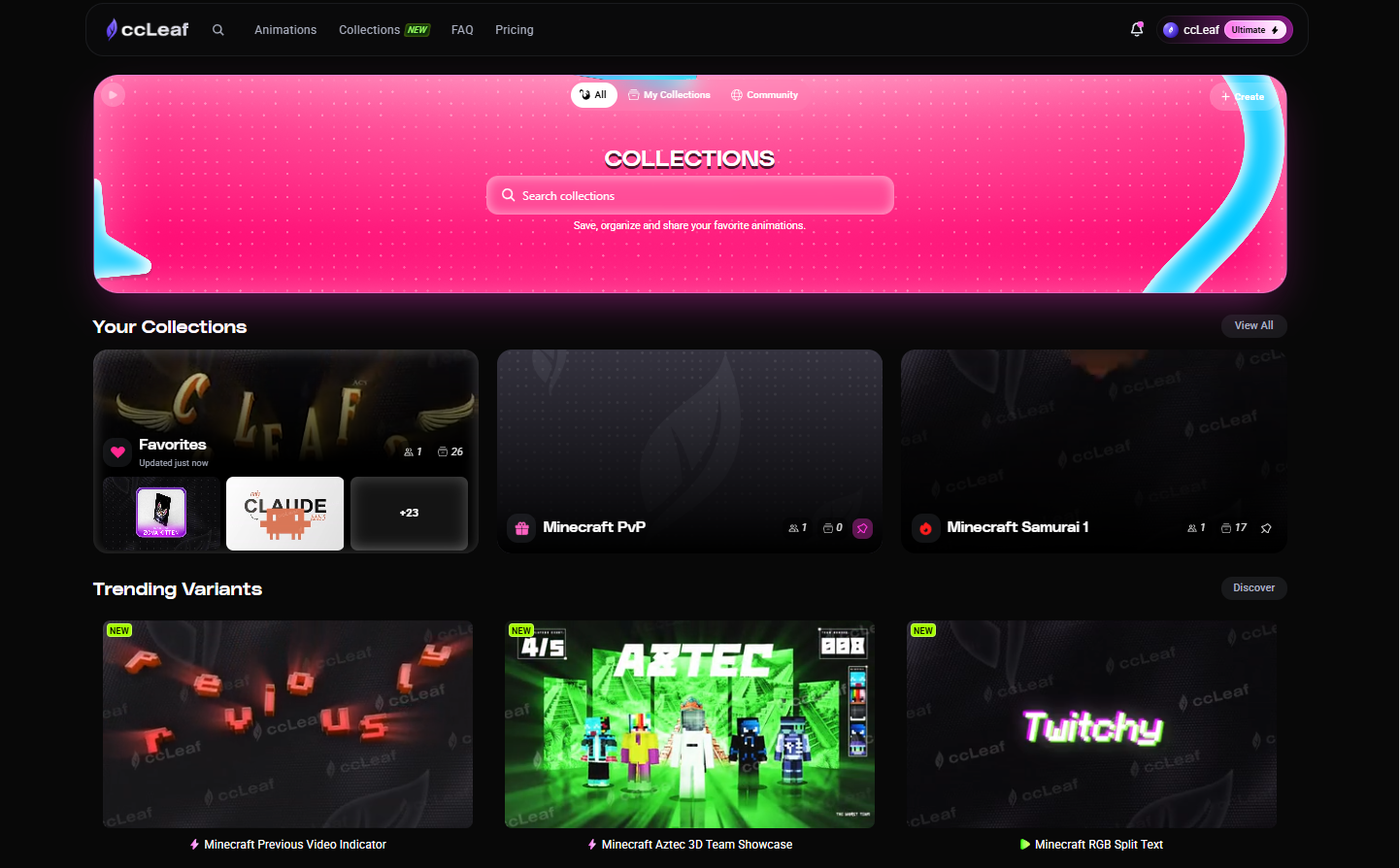
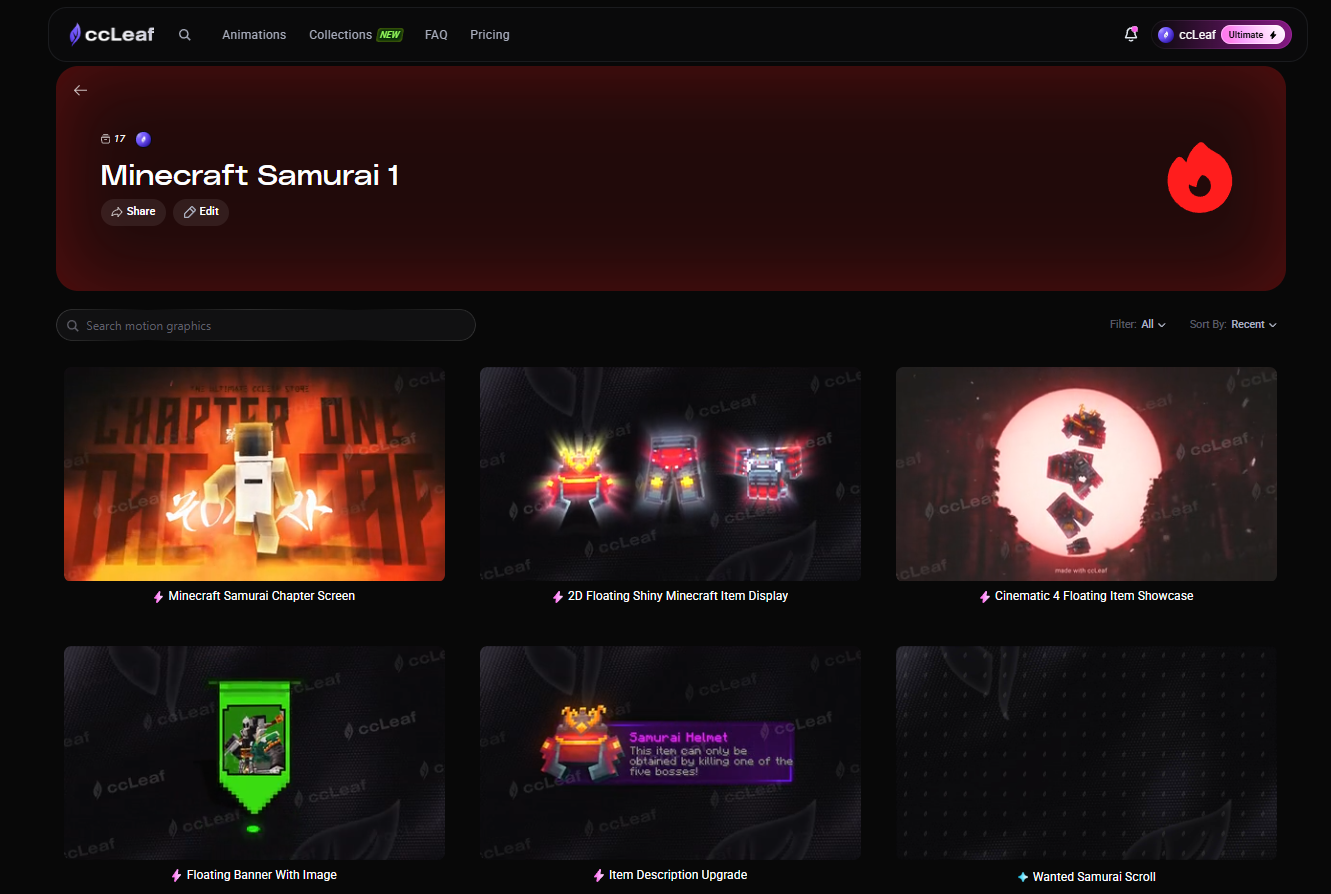
ccLeaf has been fully redesigned for speed, clarity, and a smoother overall experience. Navigation is faster, interactions are more responsive, and finding animations is easier with advanced search, filters, categories, and trending results.
Core systems have also been upgraded, with a rebuilt account page, improved onboarding (Google login), and support for annual billing.

The editor has been redesigned for a more focused and intuitive workflow, with a cleaner layout and improved structure that makes editing faster and more natural.
With themes, custom cursors, and layouts, you can now personalize the editor to match your workflow.
Customization is also more precise, with saved colors, improved sliders, and copy/paste values for quicker edits and more consistent results across animations.
Exports are now more flexible, with full control over resolution from 720p and 1080p up to 4K, plus frame rate options from 15 to 60 FPS.
ccLeaf exports now work across all major platforms and devices, with support for MP4 for broad compatibility and MOV with transparent background. Built-in sound effects are also supported directly in the export workflow.

A free sandbox editor to explore the ccLeaf Editor before subscribing.
No credit card required, plus access to a free motion graphic to get started.
August 3rd, 2025
New
You can now earn with ccLeaf.
We’ve launched a full affiliate system — built for creators who already share tools, workflows, and resources.

How it works
Create your affiliate account
Get your unique link
Share ccLeaf → earn on every referral
Earnings & Rewards
Earn up to 25% commissions
Lifetime commissions on referrals
Tier-based rewards (higher rates as you grow)
Custom links, codes, and bonus bounties
Who it’s for
Content creators
Social media influencers
Bloggers
Anyone sharing tools/workflows
Promote a product your audience will actually use — fast, professional motion graphics without the complexity.
Apply now → https://app.ccleaf.com/affiliate
May 23rd, 2025
We’ve shipped a smaller update focused on making ccLeaf smoother, faster, and easier to use across the board.
Download History 🧭
Closed the tab during export? No problem.
You can now re-download your animation from the Account page. Files are stored for 30 minutes after export.
Browse Smoothly 🪡
Pages are now paginated to prevent crashes when loading large animation previews — especially on lower-end devices.
Account Page - Fully Redesigned ♻️
Cleaner, more modern design
Quick-access hover navigation
New Downloads tab
Subscription improvements:
Re-enable auto-renewal anytime
Change payment method & view detailed billing info
Easier plan upgrades
Everything account-related is now faster and easier to manage.
Affiliate Dashboard 🤝
Fully redesigned interface
More detailed performance stats
Better insights, better control as you grow.
General Improvements 🐞
Performance improvements across the platform
Moderation enhancements
Multiple bug fixes
April 2nd, 2025

We're thrilled to introduce the McIcons 2.0 update, showcasing major enhancements, innovative features, and elevated user experience focused on Minecraft assets and icons.
Experience a smoother browsing journey in low-light settings.
Enjoy enhanced usability while exploring the extensive asset library.
Access an exhaustive collection of textures within Minecraft’s universe.
Browse, preview, and integrate seamlessly into your projects.
Retrieve raw skins, 3D perspectives, and details with ease.
Facilitate efficient downloading of multiple assets in desired formats.
Updated popup designs for fluid navigation.
Extended library with additional icons and practical assets.
Significant improvements to browsing smoothness and accessibility.
Drag and drop textures, skins, and assets directly into the editor interface.
Enhance the speed and quality of your content creation process.
Explore McIcons 2.0 https://ccvaults.com/
Visit ccLeaf https://ccleaf.com/
We're ecstatic to bring these advancements to our community. Your feedback and suggestions drive our progress. Don't hesitate to share your ideas - happy crafting!
March 5th, 2025
We are thrilled to present a new update for ccLeaf Editor, packed with enhancements aimed to simplify your workflow and provide a better experience.

Below are the exciting improvements we've added:
Undo & Redo Made Simple: Effortlessly revert or reapply individual changes with intuitive buttons or shortcuts. 🔄
Enhanced Color Selection: Quickly pick your desired shade using our newly added color pickers. 🎨
Accessible Color Wheel: Navigate and access color wheel settings with greater ease. 🛠️
Preview Playback Control: Play and pause media previews by simply clicking on them. 📹
Optimized Rendering: Enjoy a smoother editing experience with our improved preview rendering speed. ⚡
Additionally, various minor bugs have been addressed for a more seamless utilization of the tool. ✅
We sincerely value your input, which greatly contributes to the continuous enhancement of ccLeaf Editor. Share your thoughts and ideas in our suggestions channel—we're listening closely! 📢
Thank you for being a vital part of this journey. Together, let’s make creativity effortless!
December 24th, 2024

We're excited to introduce a significant update to the ccLeaf Editor that brings new features and improvements designed to streamline your creative workflow.
Now you can save and share presets for your animations with ease.
These updates will make your editing experience even more intuitive:
We've listened to your feedback and incorporated subtle improvements:
Thank you for your continuous support and feedback! Do you have ideas to refine our features further? Reach out to our team through the suggestions channel—your voice matters. 🌟
December 15th, 2024
We're thrilled to release McIcons 1.0 along with an exclusive library of Minecraft assets, enhancing your creative toolkit!
McIcons 1.0: Drag and drop an extensive library of high-quality Minecraft assets right into the ccLeaf Editor. Save time and storage effortlessly.
Exclusive Asset Library: Grasp the opportunity to access a huge collection of Minecraft textural elements— completely free as a gift from ccLeaf! Placeholder link to access the library will be provided soon.
Assets can be easily utilized within the ccLeaf Editor for an optimized workflow.
Explore endless design possibilities directly at your fingertips.
We continually strive to improve your experience and foster your creativity!
August 27th, 2024
Exciting news! We are thrilled to unveil ccLeaf 3.0, a monumental update designed to streamline your creative processes and elevate your content creation experience.
ccLeaf Editor Access: Leverage a brand-new editor for seamless animation management.
Expansive Animation Library: Gain access to hundreds of new, tailor-made animations.
Enhanced Customization Options: Effortlessly modify animations to align with your unique vision.
Subscription Plans Designed for Everyone: Enjoy high-quality content with monthly updates introducing exclusive animations.
Upgrade your workflow with ccLeaf Store 3.0 and let your creativity shine like never before. Happy animating!